
1-Way Remote Start
A straightforward remote-start option that sends start, lock, unlock, and auxiliary commands to the vehicle.
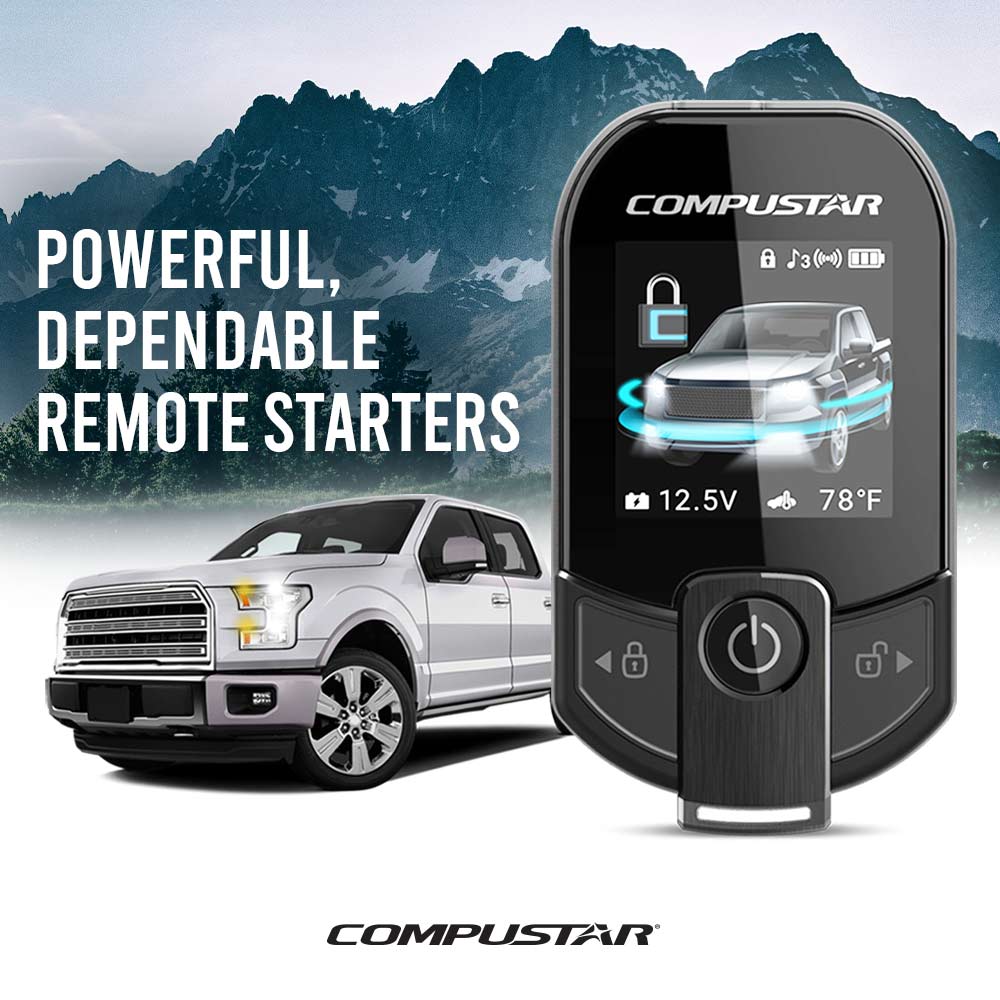
Comfort, convenience, and protection
Warm up, cool down, secure, and stay connected to your vehicle with a system professionally selected and installed for your car.
System options
The right system depends on your vehicle, how far away you need it to work, and whether you want remote-only or smartphone control.
A straightforward remote-start option that sends start, lock, unlock, and auxiliary commands to the vehicle.
Receive visual or audible confirmation on the remote after a command successfully reaches your vehicle.
Use a compatible DroneMobile system to start, secure, and check on your vehicle from your phone.
Add an alarm, sensors, siren, and security notifications for additional vehicle protection.
Locate and monitor a compatible connected vehicle through the DroneMobile app and service.
Add or extend lock, unlock, trunk, and compatible convenience controls through one system.
Compare the controls
You can choose a dedicated remote, smartphone control, or combine them. We’ll explain which setup fits how and where you use your vehicle.
Simple control
Sends the command to the vehicle. A good choice when you want a simple dedicated remote.
Command confirmation
Sends the command and confirms that it successfully reached the vehicle through the compatible remote.
Connected control
Uses compatible LTE hardware and an active service plan for smartphone control and available connected features.
Connected vehicle options
With compatible DroneMobile hardware and service, available features can include remote start, lock and unlock, security alerts, vehicle status, and GPS tracking.
Available functions depend on the vehicle, installed hardware, and selected service plan.
Remote start control
Lock and unlock
Security alerts
GPS location
How it works
01
Tell us the year, make, model, transmission, and the factory key or push-button setup.
02
We’ll help you compare 1-way, 2-way, smartphone, security, and tracking options.
03
We professionally install and test the system, then show you how each feature works.
Remote start and connected security
Find the right system